Welcome to Baytech Logic

Your remote IT support partner for Quvia
Welcome — this page walks Quvia staff through accessing Baytech Logic’s support portal and installing our remote agent. Follow the steps to connect securely, submit tickets, and allow technicians to help you quickly so you can get back to productive work.
STEP 1:
Access your Support Portal
Sign in to the Support Portal
Portal login
Open the Baytech Logic support portal URL, sign in with your Quvia Google Workspace account (SSO), and use the dashboard to create or track support tickets. Use the portal for file uploads, diagnostic logs, and session requests.
Sign in with Google
Continue to Step 2

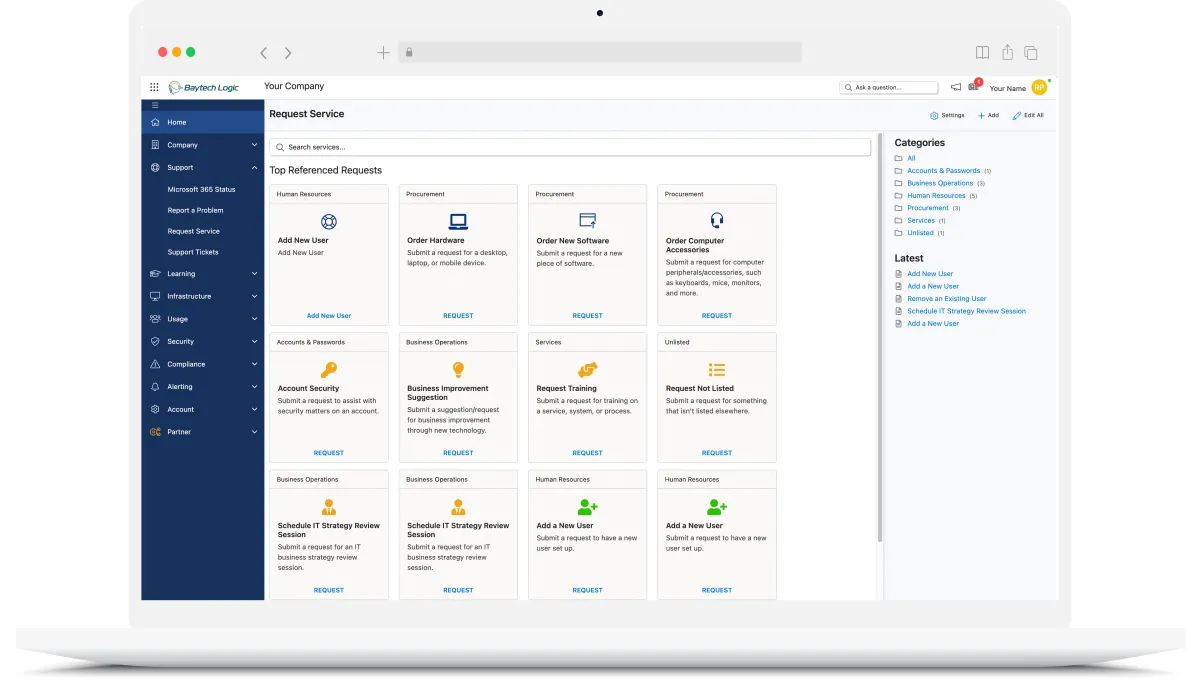
I have logged into the portal successfully



Email: [email protected]
This onboarding page is for Quvia employees only. Access requires your Quvia SSO credentials.